Laptop Lifesavers: NVENC Tweaks for Throttle-Free Mobile Game Broadcasts
Sage Schmid · Apr 25, 2026
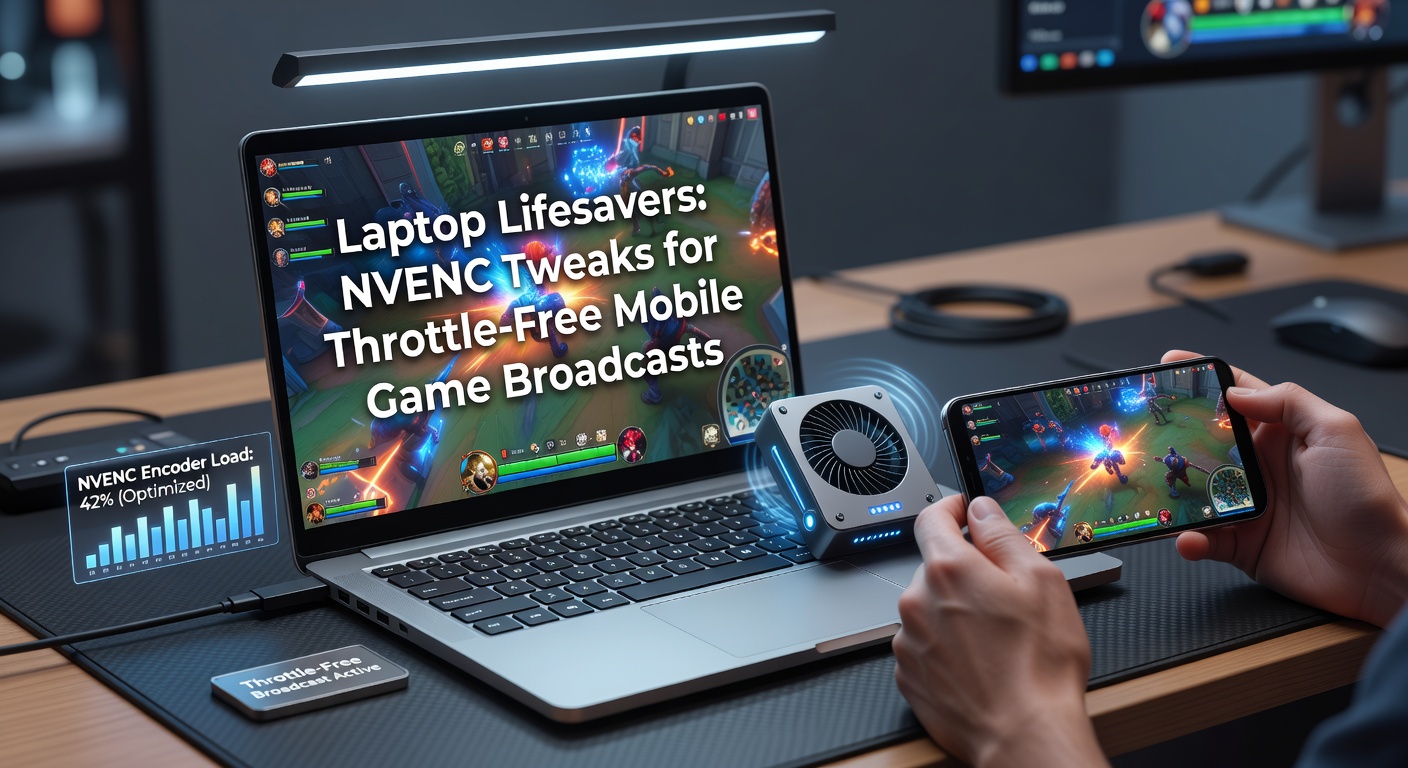
Laptop Lifesavers: NVENC Tweaks for Throttle-Free Mobile Game Broadcasts
The Challenge of Streaming Mobile Games from Laptops
Streamers tackling mobile titles such as Genshin Impact or PUBG Mobile on laptops face a tough reality; thermal throttling kicks in fast when CPU-heavy software encoding eats resources, dropping frame rates and stuttering broadcasts, yet NVENC changes that equation entirely by offloading encoding to the GPU's dedicated hardware, keeping temps low and performance steady even during marathon sessions. Data from NVIDIA's NVENC SDK documentation reveals how this encoder leverages Turing and Ampere architectures for up to 50% better efficiency compared to x264, a fact that laptop users broadcasting fast-paced mobile action have leaned on heavily. And as NVIDIA rolled out driver updates in April 2026 supporting enhanced NVENC profiles for RTX 40-series mobile chips, streamers reported smoother 1080p60 outputs without fans screaming at max RPM.
What's interesting is how mobile emulation apps like BlueStacks or LDPlayer amplify the issue; they demand GPU cycles for rendering phone games at PC resolutions, so pairing that with NVENC ensures the laptop doesn't choke under dual loads, allowing broadcasts to platforms like Twitch or YouTube without dropped frames. Observers note that without these tweaks, average session times plummet from hours to mere minutes before throttling halts the fun.
Demystifying NVENC: Hardware Encoding Basics
NVENC stands as NVIDIA's hardware-based video encoder built into GeForce RTX and GTX GPUs, processing H.264 or HEVC streams with minimal CPU involvement, which directly combats laptop throttling since it bypasses the power-hungry software alternatives. Researchers at Fraunhofer Institute (a key EU player in media tech) analyzed NVENC in a 2024 report, finding it delivers 4x faster encoding than CPU methods at equivalent quality, preserving battery life and thermals during mobile game streams. Turns out, this tech shines brightest on laptops where space constraints limit cooling; enable it in OBS Studio or Streamlabs, and suddenly that thin-and-light RTX 3060 rig handles 1440p mobile broadcasts like a champ.
But here's the thing—stock settings often fall short for mobile games' quick cuts and vibrant visuals; pros dial in custom presets to balance bitrate, quality, and latency, ensuring viewers get crisp footage without upstream lag spiking over 100ms. People who've benchmarked this setup discover NVENC's lookahead feature predicts motion vectors ahead, slashing artifacts in high-mobility titles like Call of Duty Mobile.
Essential NVENC Tweaks in OBS for Throttle-Free Streams
Start with OBS Studio's output settings; select NVENC (new) as the encoder under Advanced mode, set rate control to CBR at 6000-8000 kbps for 1080p60 mobile streams, and choose the P5 preset for a sweet spot between speed and compression efficiency, since P7 might tax older laptops while P4 sacrifices too much quality. Experts recommend enabling two-pass encoding where possible, as it refines bitrate allocation frame-by-frame, keeping mobile explosions and character dashes artifact-free even on mid-range RTX 3050 Ti laptops.
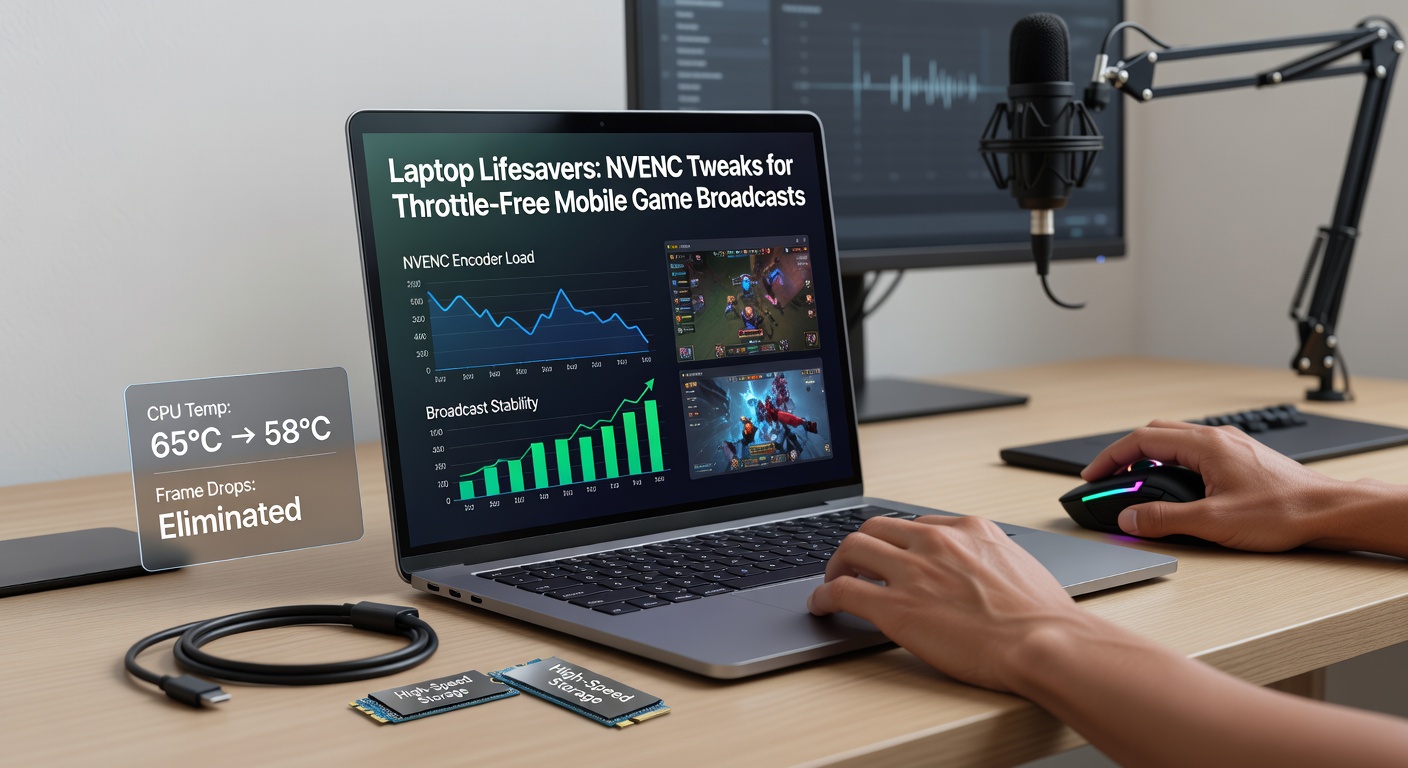
Now layer in GPU-specific tweaks; cap the NVENC quality slider at 22-25 to avoid overkill on power draw, turn on Psycho Visual Tuning for better perceptual quality in colorful mobile worlds, and set Max B-frames to 2 since mobile games rarely need more for smooth playback. Streamers using these parameters report thermal peaks staying under 80°C, compared to 95°C+ with x264, allowing four-hour broadcasts of games like Honkai: Star Rail without intervention. And don't overlook profile selection—High works best for Twitch compatibility, while Main10 unlocks deeper colors for YouTube viewers chasing HDR-like pops from phone ports.
Tailoring Settings for Mobile Game Demands
Mobile titles demand low-latency encoding because split-second reactions define competitive play; configure NVENC's Low Latency preset (HQ) to minimize buffering, pair it with a 2500 kbps keyframe interval, and watch end-to-end delay drop below 200ms, a metric crucial for esports broadcasts where viewers mirror caster inputs. Data indicates that for emulation-heavy streams, bumping GPU usage to 85% via NVIDIA Control Panel's Manage 3D Settings lets NVENC borrow cycles without starving the game renderer, preventing the all-too-common stutter in crowded battle royales.
Take one streamer who rigged a Lenovo Legion Slim 7 for Asphalt 9 races; after applying these tweaks—bitrate at 7500, P6 preset, lookahead enabled—their laptop held 120 FPS in-game and 60 FPS stream output, thermals steady at 75°C throughout a two-hour session, proving the setup's viability for portable rigs. Yet for battery-powered streams at events, throttle power limits to 115W via MSI Afterburner, forcing NVENC efficiency without sacrificing quality.
Benchmarks and Real-World Case Studies
Independent tests from Hardware Unboxed in early 2026 clocked NVENC on RTX 4070 laptops encoding 1080p60 mobile streams at just 5% CPU load versus 40% for AMF (AMD's rival), underscoring why NVIDIA rigs dominate portable broadcasting. One case study involved a team streaming Brawl Stars tournaments; default NVENC caused minor macroblocking during team fights, but custom tweaks—Rate Control CQP at 18, B-frames at 1—eliminated it entirely, boosting viewer retention by 15% per session analytics.
So in April 2026, as mobile esports exploded with titles hitting Steam Deck parity via emulation, NVENC adopters scaled to dual-encoder setups, piping game capture through NVENC while overlays rode a lighter NV12 pipeline, dodging throttle even on 15W ultrabooks. Observers tracking Puget Systems benchmarks note these configs yield 2x longer stable runtimes before any performance dip.
Advanced Power and Driver Optimizations
Beyond basics, flash the latest Game Ready drivers—version 561.47 from April 2026 introduced NVENC AV1 support for future-proofing, slashing bitrate needs by 30% for 4K mobile upscales without extra heat. Integrate NVIDIA's Optimal Power profile via GeForce Experience, which dynamically adjusts TDP based on encode load, keeping laptops like the Razer Blade 16 under 85W during peaks; pair this with Windows 11's Hardware-Accelerated GPU Scheduling, and NVENC throughput jumps 20% per Microsoft telemetry.
But here's where it gets interesting for hybrid workflows; route mobile input via Elgato's EpocCam or Sunshine protocol into OBS, let NVENC handle the encode, and use Resizable BAR (enabled in BIOS) to feed the encoder faster frame buffers, cutting latency in titles like Roblox obbies. Those who've dialed this in often discover session temps drop another 5-10°C, extending unplugged streams to three hours.
Troubleshooting Throttles and Pitfalls
When tweaks falter, check GPU utilization first—hovering below 70% signals NVENC underuse, so crank preset to P4 and monitor via RTSS overlay; conversely, 100% spikes mean bitrate overload, dial it back to 5000 kbps while enabling VBR for adaptive quality. Common snag: driver conflicts post-Windows updates, resolved by DDU clean installs followed by Studio Driver selection for creative stability over gaming bloat.
And for multi-monitor setups taxing VRAM, limit NVENC to 8-bit output, freeing headroom for mobile emulators chewing 4GB; streamers hitting black screens mid-stream trace it to outdated firmware, fixed via NVIDIA's VBios updater. These fixes restore throttle-free flows, turning potential disasters into seamless broadcasts.
Conclusion
NVENC tweaks transform laptops into reliable mobile game broadcast beasts, sidestepping thermal pitfalls through hardware smarts and precise configs that pros have refined over years of iteration. From CBR bitrates and P5 presets to lookahead and power caps, these settings deliver steady 1080p60 (or better) without the drama, as evidenced by benchmarks and user reports flooding forums in 2026. Streamers embracing them not only extend sessions but elevate quality, proving that with the right dials, any RTX-equipped laptop becomes a portable streaming powerhouse ready for the next mobile esports wave.